Appearance
Google, Microsoft and organization sign-in
Choose Continue with Google, or Continue with Microsoft when offered, and select your work account in the provider window. If your email leads to an organization SSO control, use that organization's sign-in flow. Available methods depend on configuration.
For a new account, finish the requested name, country, intended use, terms and invitation-code checks. Provider sign-in does not bypass VerityBase eligibility or workspace permissions. Use Start over if you selected the wrong account.
Allow the sign-in popup if your browser blocks it. Use the same account email consistently. If you cannot enter the expected workspace, ask the workspace owner or support to check access rather than creating duplicate accounts.
Visual guide: set up your account
English screen, translated caption. No account was created and no email was sent; signed-in examples use fictional demo data. A displayed form is not proof of completed authentication, verification or membership.
Choose Continue with Google, select your work identity in the provider window and finish any Finish setup step. A first-time account may still need country and Invite code. Use Start over for the wrong identity. The screenshot shows the entry button, not a completed Google login. Organization SSO may replace the password route; Microsoft appears only where enabled.
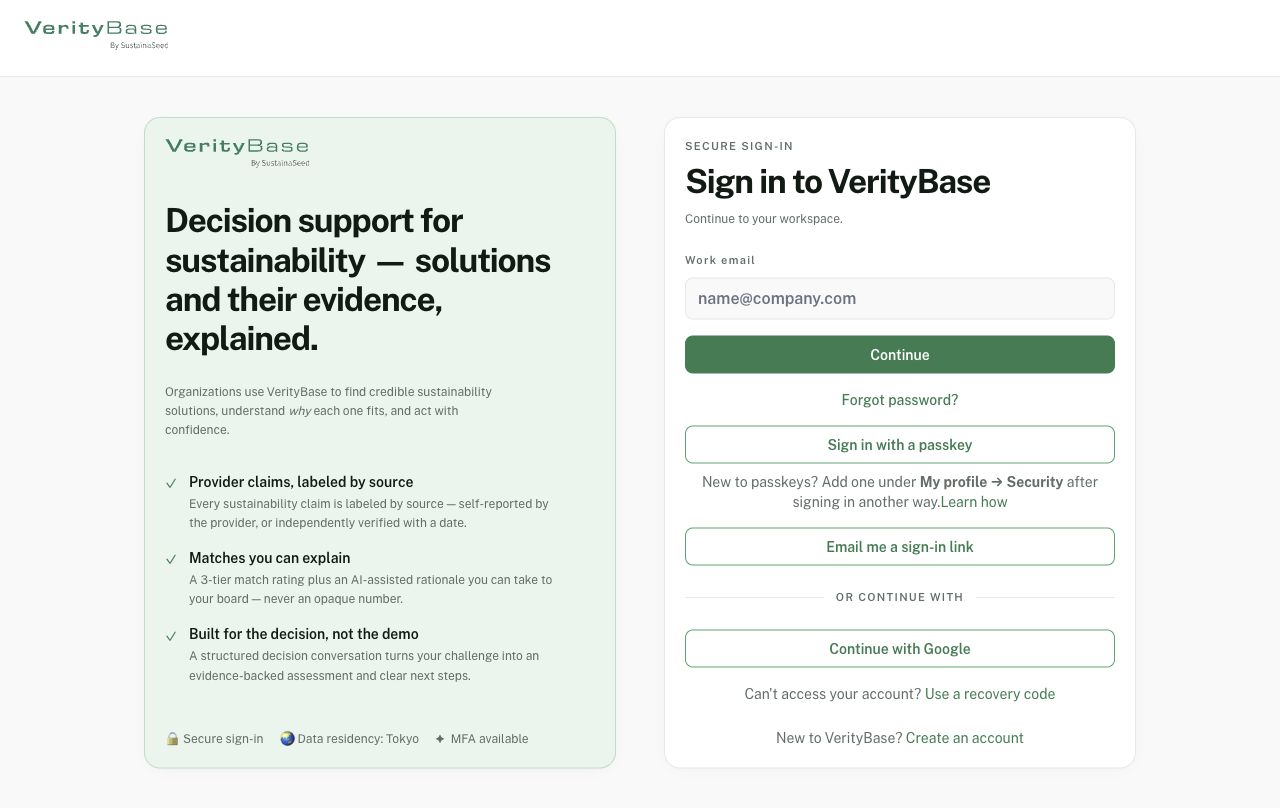
Sign-in methods offered on the released page; availability can vary.