Appearance
Join by invitation
- Open the complete link in your invitation email. Check the workspace, invited address and assigned role.
- If the page offers Accept invitation, accept to join or decline if it is unexpected. If prompted to sign in, use the invited account.
- Some account invitations first ask you to set a password. Complete that email's steps, then sign in and finish any pending acceptance.
A link may be expired, revoked or already used. Ask the owner to resend it; use the newest full link. Being on the same email domain does not itself establish workspace access.
Workspace or company invitations and project access are different. A project owner grants an existing account viewer, editor or owner access; see projects. Owners manage company/workspace access from Organization.
Visual guide: set up your account
English screen, translated caption. No account was created and no email was sent; signed-in examples use fictional demo data. A displayed form is not proof of completed authentication, verification or membership.
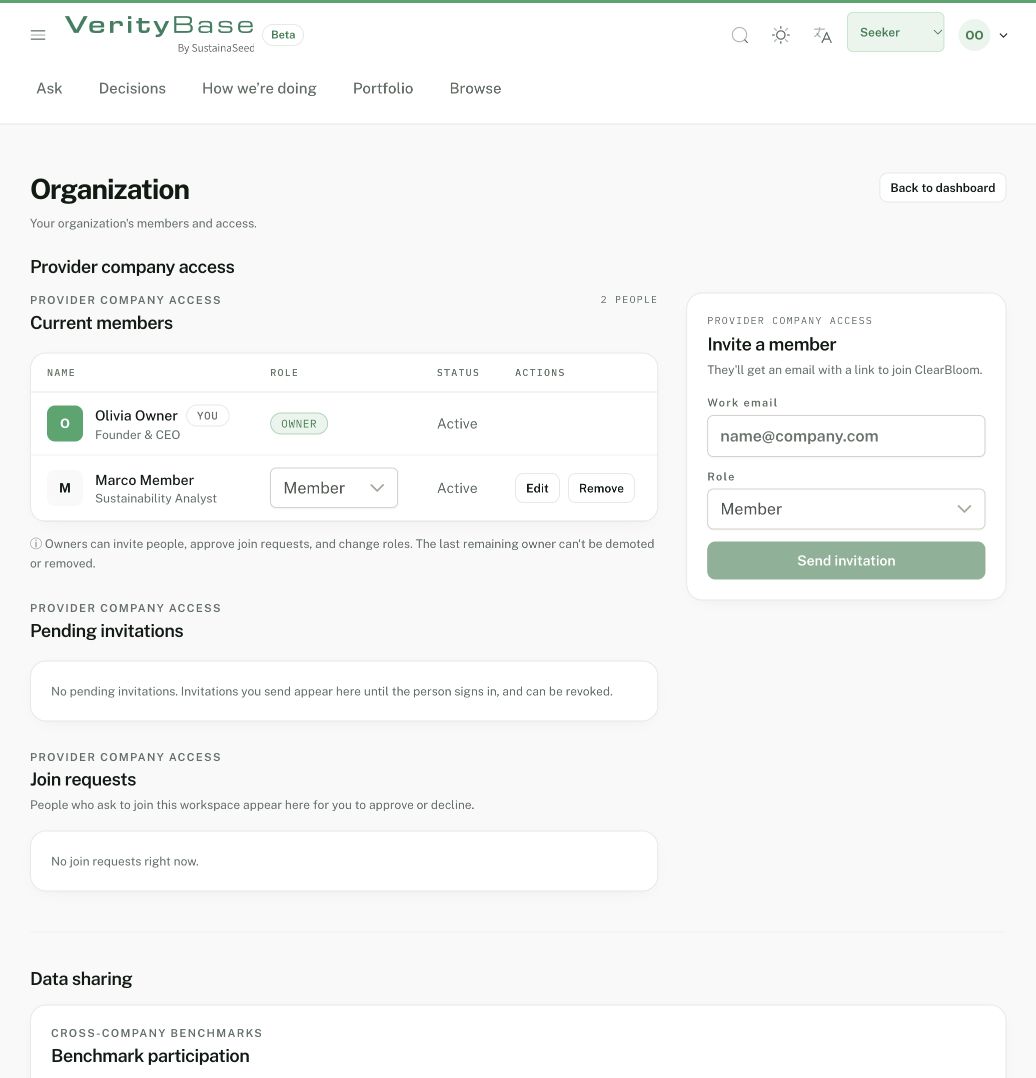
Synthetic company membership is separate from the account’s Seeker view.
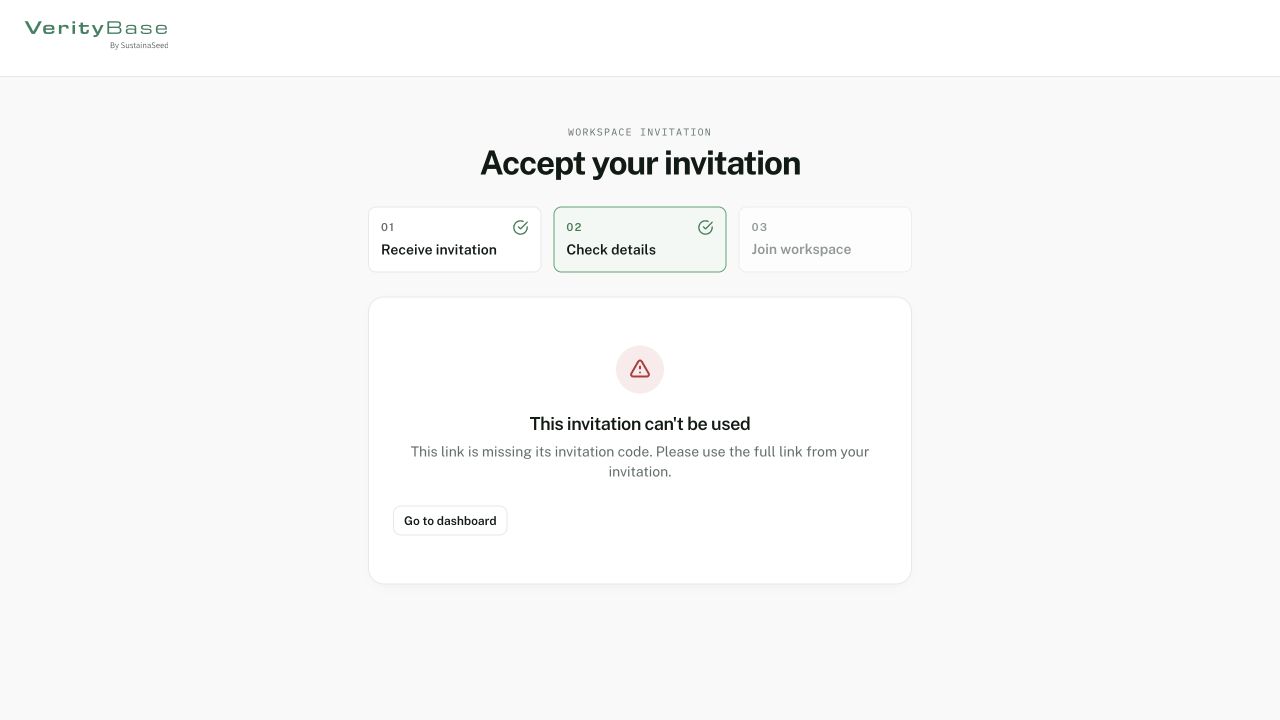
An incomplete invitation link shows an error rather than membership.