Appearance
Recover account access
- If you can receive email, use Forgot password? to reset your password or request an email sign-in link.
- If you normally use Google, Microsoft or organization SSO, try that same provider account.
- If available, use Use a recovery code and enter your account email plus an unused recovery code.
- If all methods fail, contact support with the account email and organization. Never send a password or recovery code.
Prepare recovery codes now
While signed in, open the recovery-code card in your profile's Security section and generate codes. Copy or download them when displayed and store them securely. Each works once. Regenerating replaces the old set, so old codes stop working. After recovery, review your passkeys and secure the account before continuing.
In the recovery card use Generate recovery codes, then Copy or Download. Regenerate codes replaces the previous set.
Visual guide: set up your account
English screen, translated caption. No account was created and no email was sent; signed-in examples use fictional demo data. A displayed form is not proof of completed authentication, verification or membership.
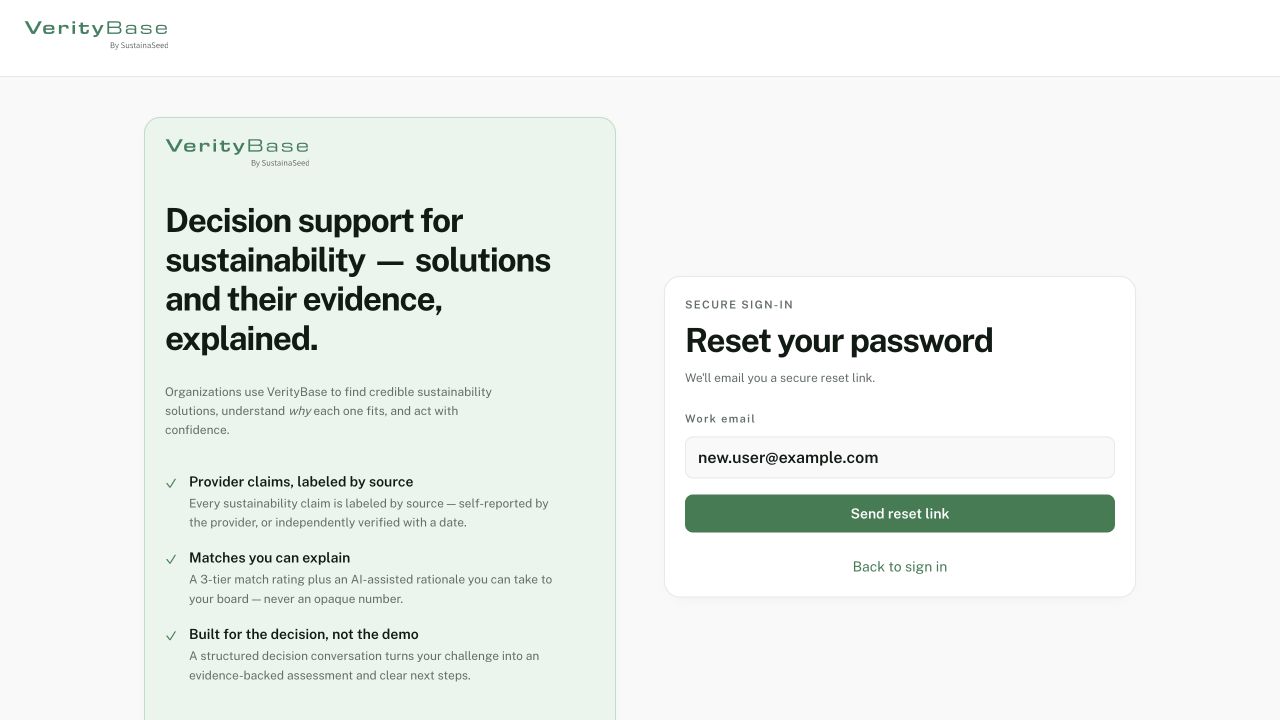
Reset request form before any email is sent.
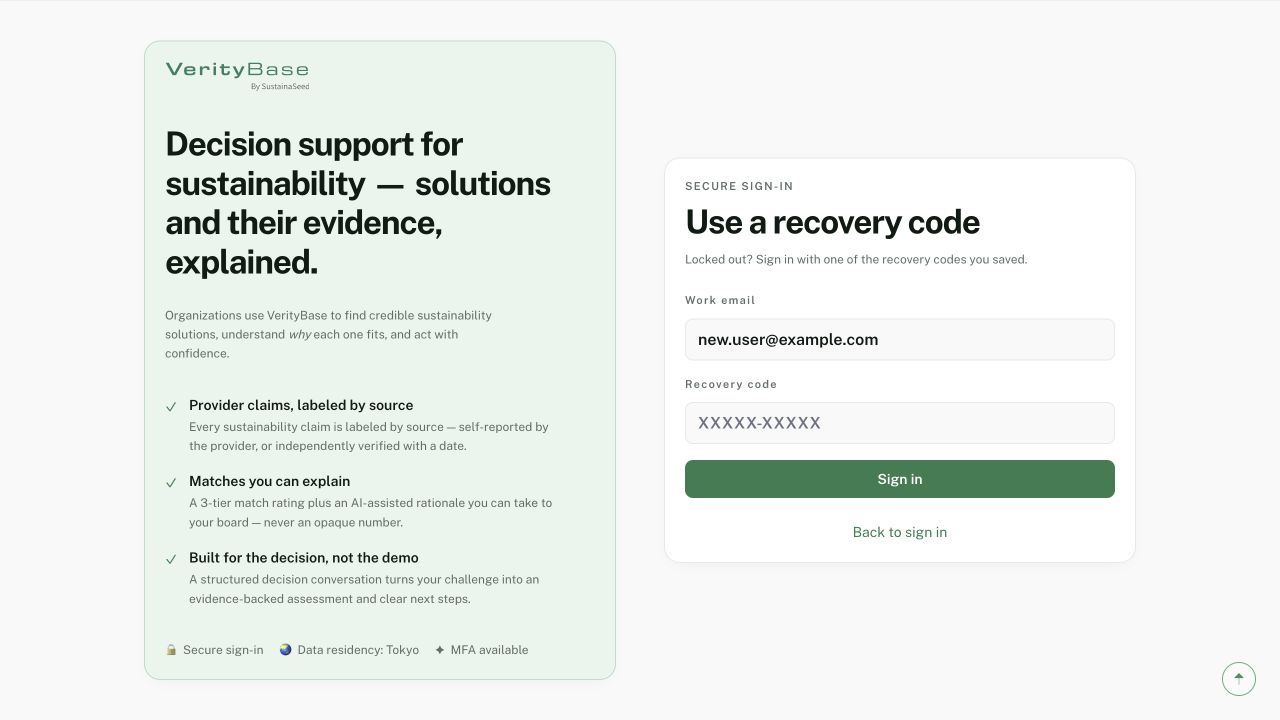
Recovery-code form with no code entered.
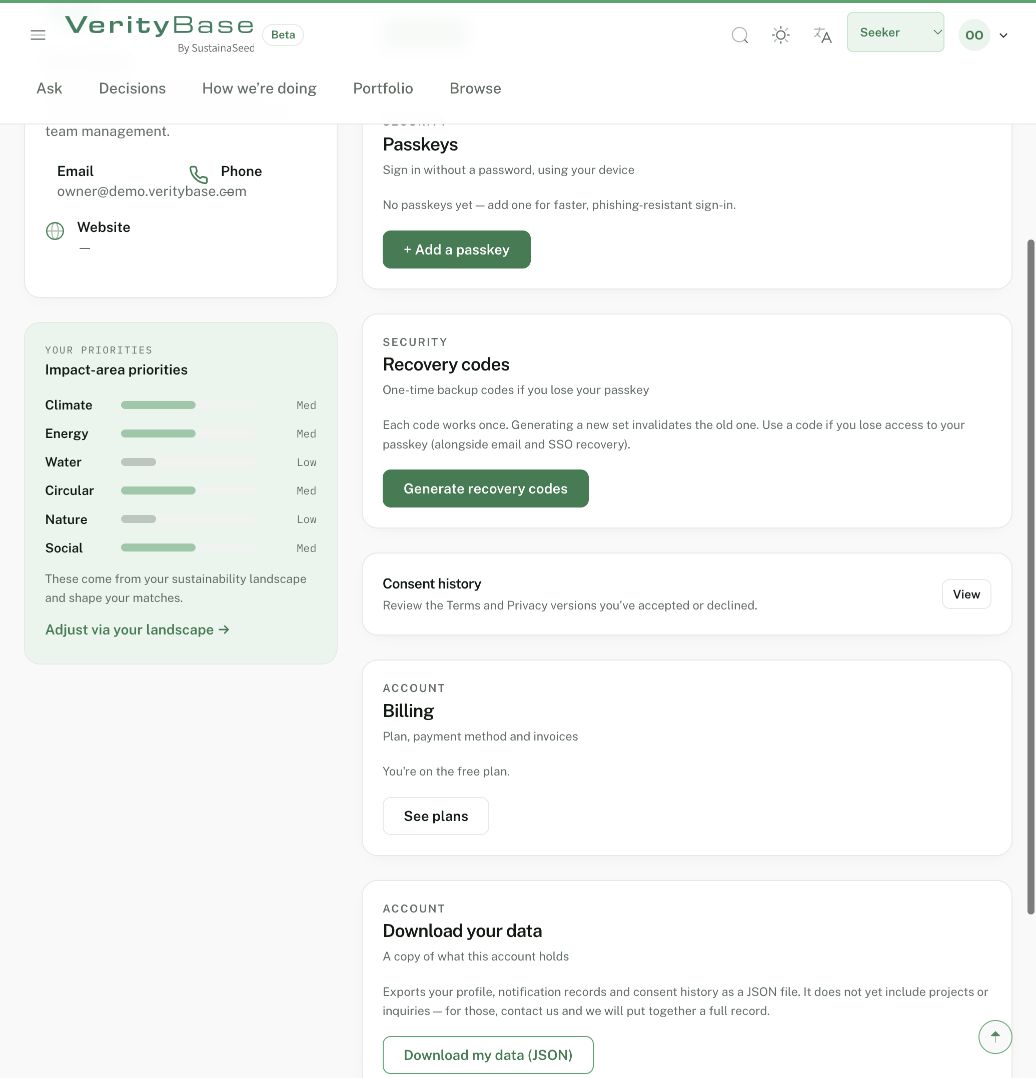
Passkey and recovery-code controls; no key or codes were generated.