Appearance
Email sign-in link
Enter your work email and choose Email me a sign-in link. Open the newest message in the same browser on the same device where you requested it. Finish any account setup that follows.
A link is one-time and expires. If it fails, request a fresh one and use the newest message. Check spam and your account address if nothing arrives. Do not forward the link: it can grant access to your account. If the method is unavailable, use another offered sign-in method or contact support.
Visual guide: set up your account
English screen, translated caption. No account was created and no email was sent; signed-in examples use fictional demo data. A displayed form is not proof of completed authentication, verification or membership.
Enter Work email before choosing Email me a sign-in link. Wait for the sent confirmation, then open the newest message in the same browser on the same device where you requested the link. The app does not offer an email re-entry prompt on another device. If you requested elsewhere or cleared browser storage, request a fresh link in the browser you intend to use. An expired or reused link also needs a new message. No email was sent for this capture, and no inbox or secret link is shown.
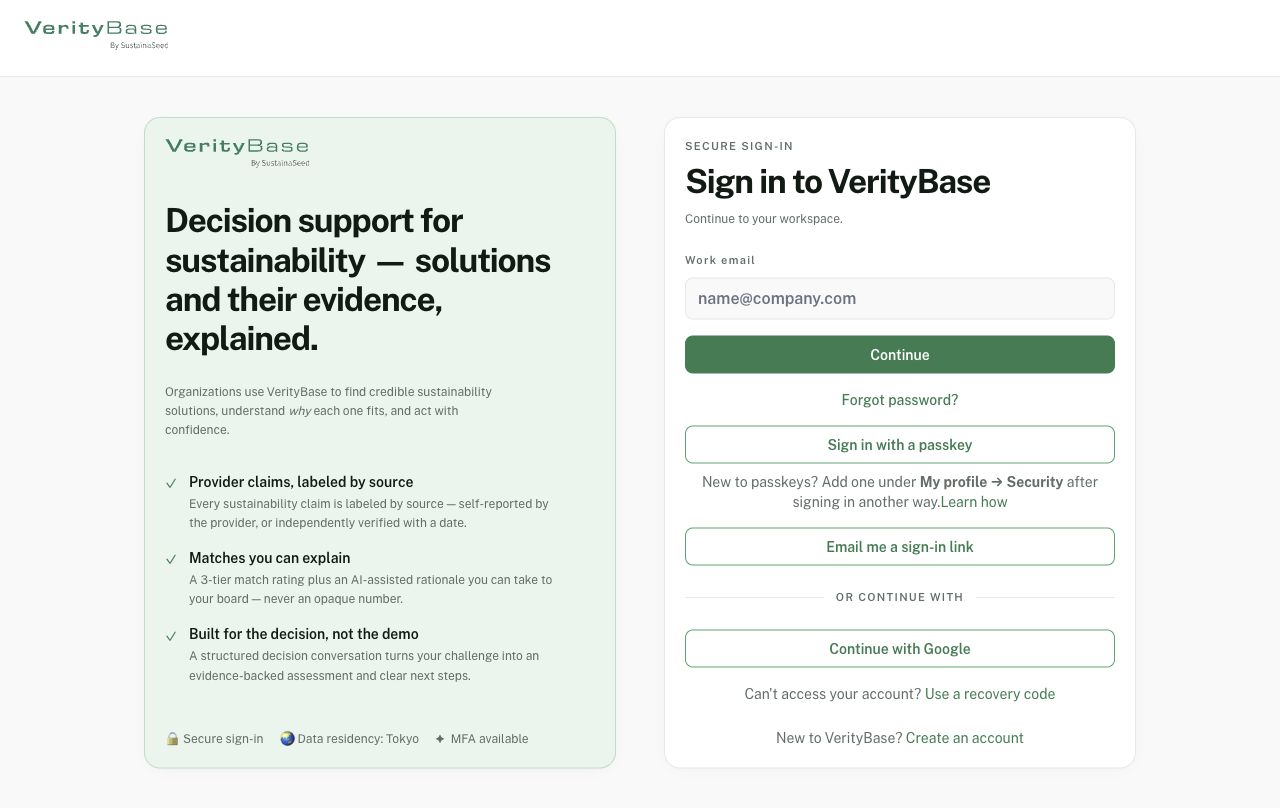
Sign-in methods offered on the released page; availability can vary.